Kings reveal how members can redeem tickets
18 Jul
1
min read
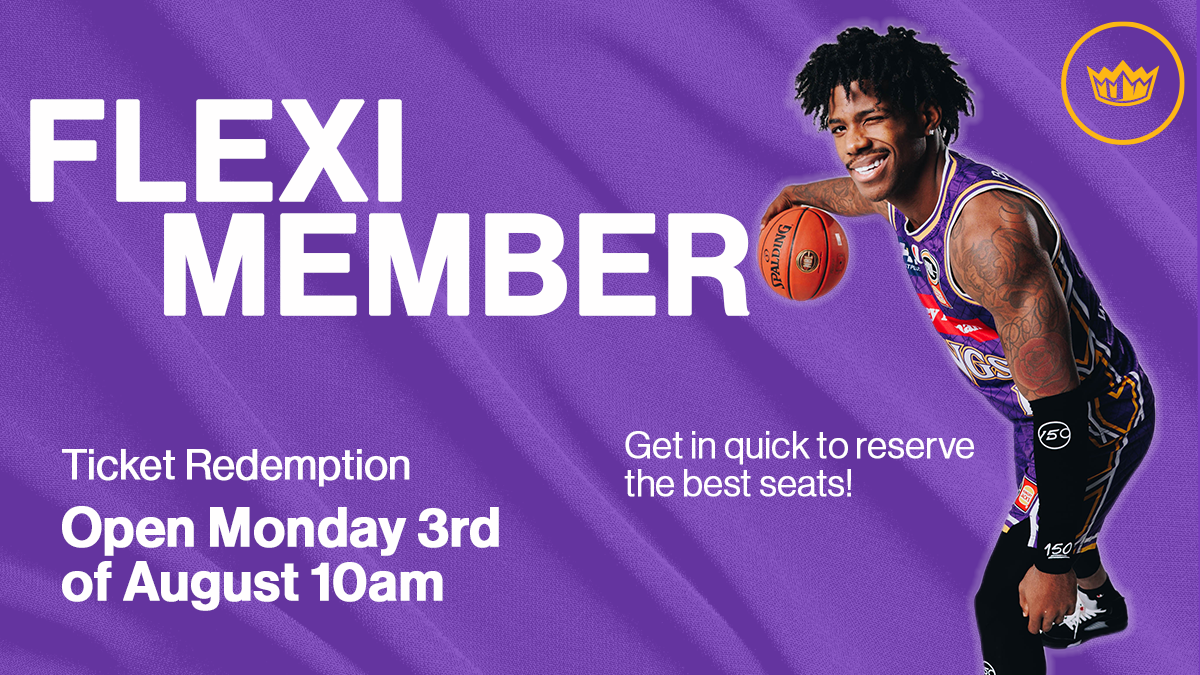

The Sydney Kings offer a range of partial season memberships providing members the flexibility to redeem tickets for the games which best suit their schedule. Click HERE to purchase your flexi membership for the 2026-27 season.
How to redeem your Flexi Membership tickets:
1. Select your preferred game
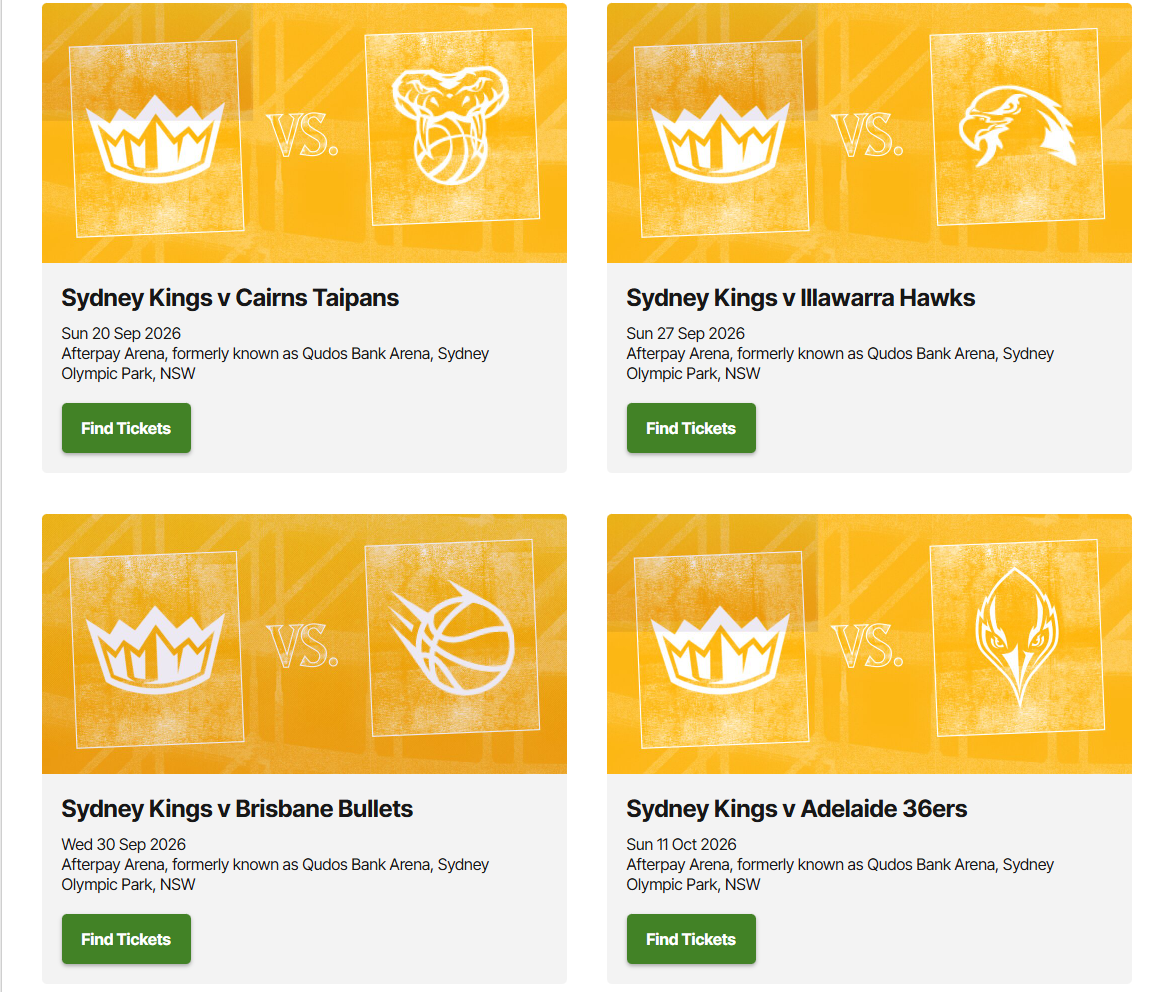
Visit the Ticketek website and select the Sydney Kings or Sydney Flames game you wish to attend. Links below:
Sydney Kings 2026-27 tickets - https://premier.ticketek.com.au/shows/show.aspx?sh=KINGS27
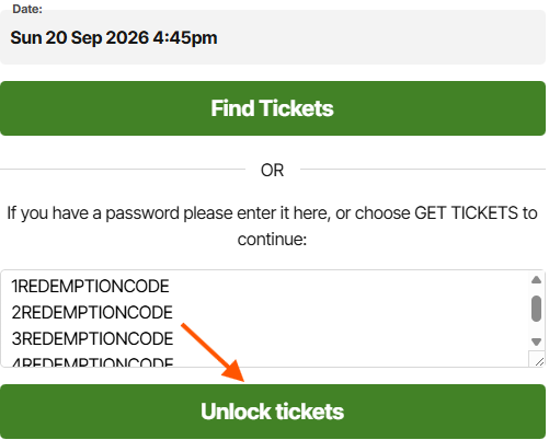
2. Enter your redemption passcode/s
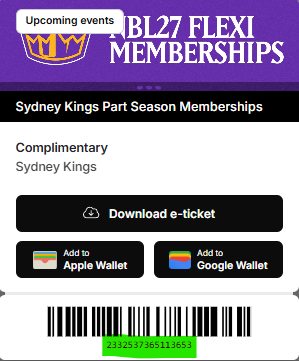
Enter your redemption code/s into the password box and select ‘unlock tickets’.
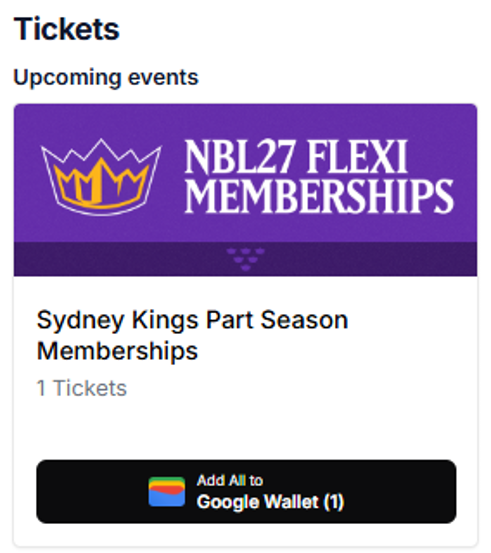
Your redemption code is on your digital membership card, which is accessible via the Membership portal under ‘Tickets’.
*Please note that if you are redeeming tickets for a family or multiple memberships, you will need to put each redemption code on a new line in the textbox by pressing enter after you enter each code.
3. Select your seats
You have the option to ‘choose your own’ or ‘find best available’.
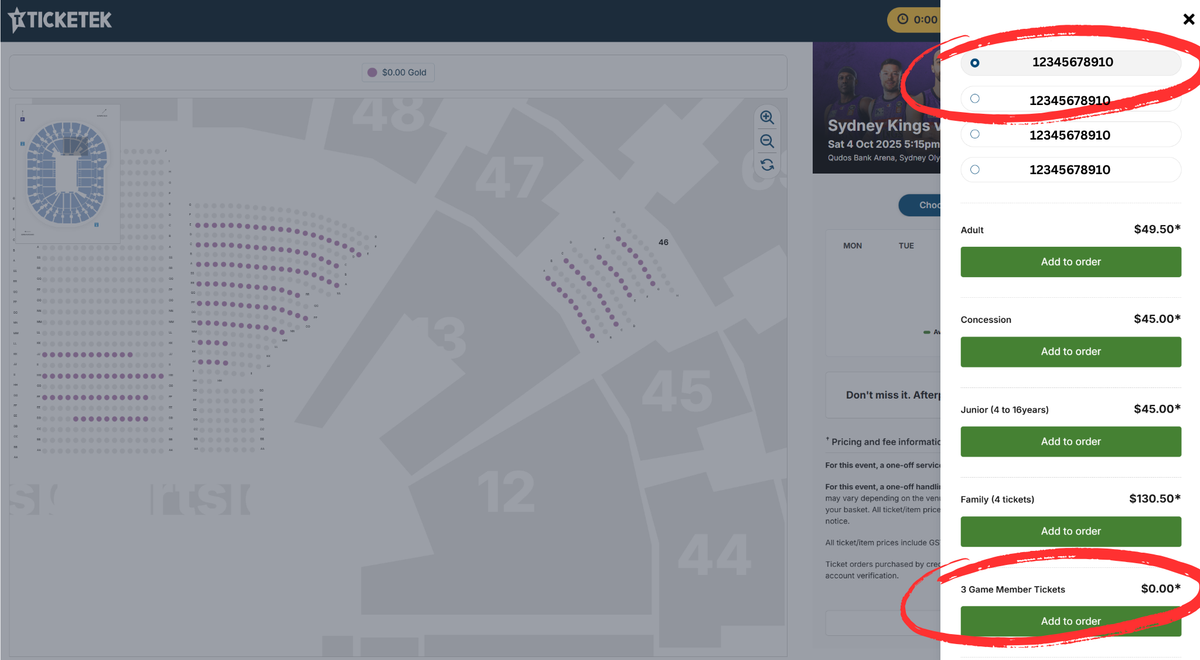
If you clicked on 'choose your own', please select your preferred seat on the map (coloured seats are available).
Once selected, select ‘3/4/6/7 game member tickets’ for $0.00’ from the list. If redeeming multiple seats – select another seat, then select the next password on the list before selecting 3/4/6/7 game member tickets.
Repeat this for all member seats.
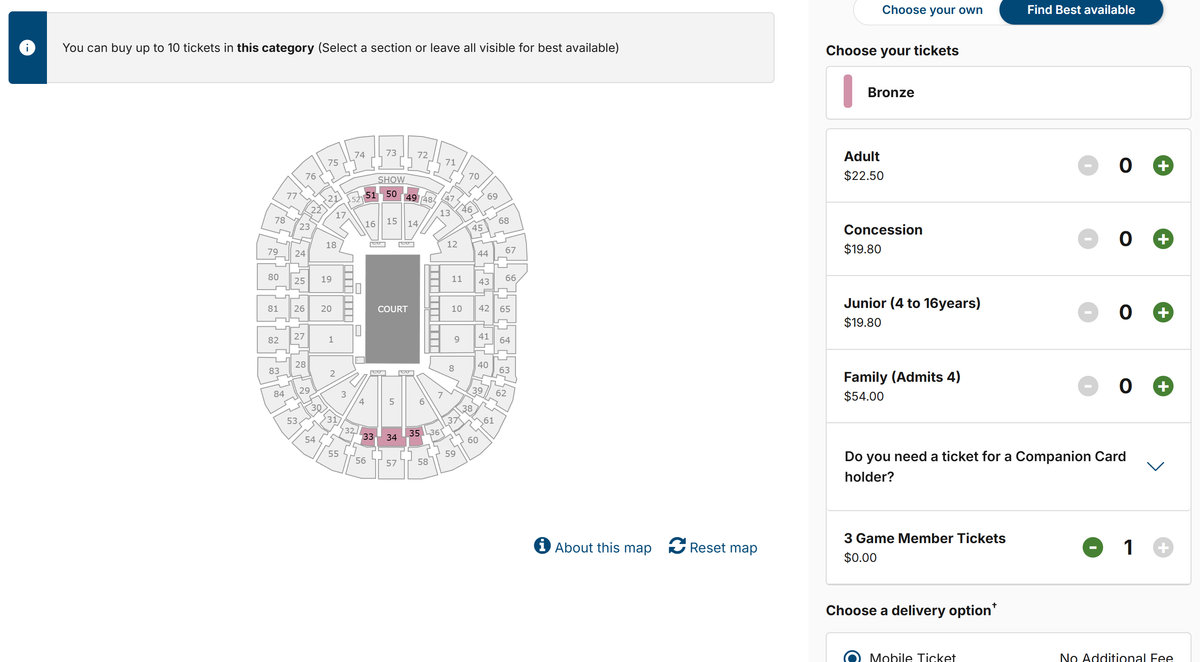
If clicked on 'Find Best available,' select your membership category with the $0.00 displaying under the list of categories.
Please select ‘3/4/6/7 game member tickets’.
If redeeming multiple seats, repeat this step from each list displayed.
4. Purchasing additional seats
If you wish to add-on additional paid tickets for family and friends, please repeat the process for either ‘choose your own’ or find best available’ however, you will need to select ‘adult’, ‘junior’, ‘family’, or ‘concession’ from the list for the additional tickets you wish to add on.
5. Receive your tickets
Please choose how you prefer to receive your tickets – ezyTicket or mobile.
6. Sign in to your Ticketek account
Sign in or create a Ticketek account and ensure your details are up to date to receive your tickets via phone or email.
You can log in to your Ticketek account before redeeming tickets or during the checkout process.
Once redeemed, tickets will appear in your Ticketek account.
If you have any trouble redeeming your flexi membership tickets, please contact us at 1300 546 471 or via email at membershipinfo@hoopscapital.com.au.
16 Oct
ROUND 5 PREVIEW – KINGS VS WILDCATS
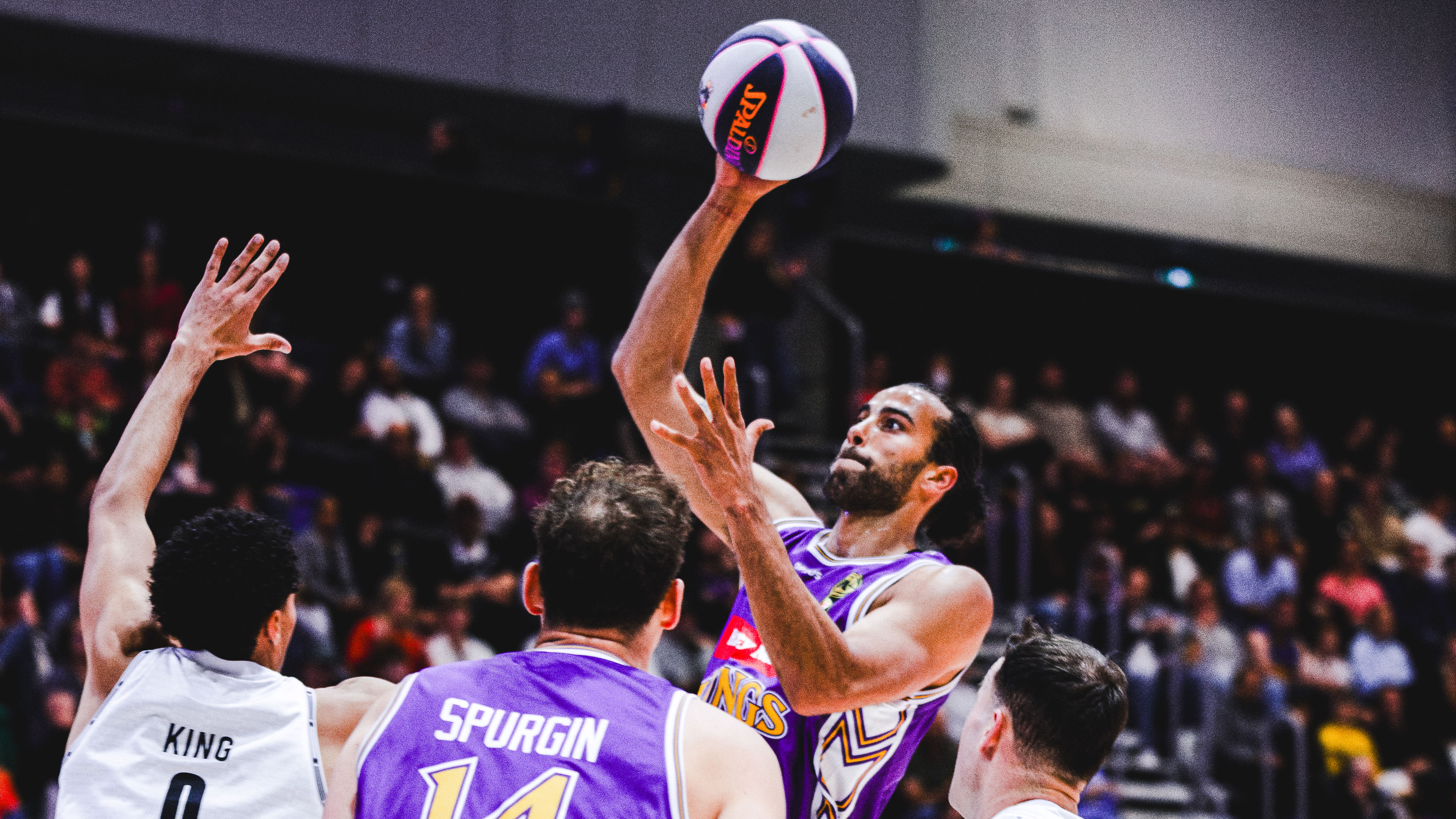
15 Oct
GAME REPORT: Kings go down in thriller to Breakers
Gameday%2011%20-%20Nov%209%20v%20Breakers%20-%20Home%20-%204x5%20v01%20copy.jpg)
15 Oct
Game Day Guide: Sydney Kings vs Perth Wildcats | NBL27 Game 6
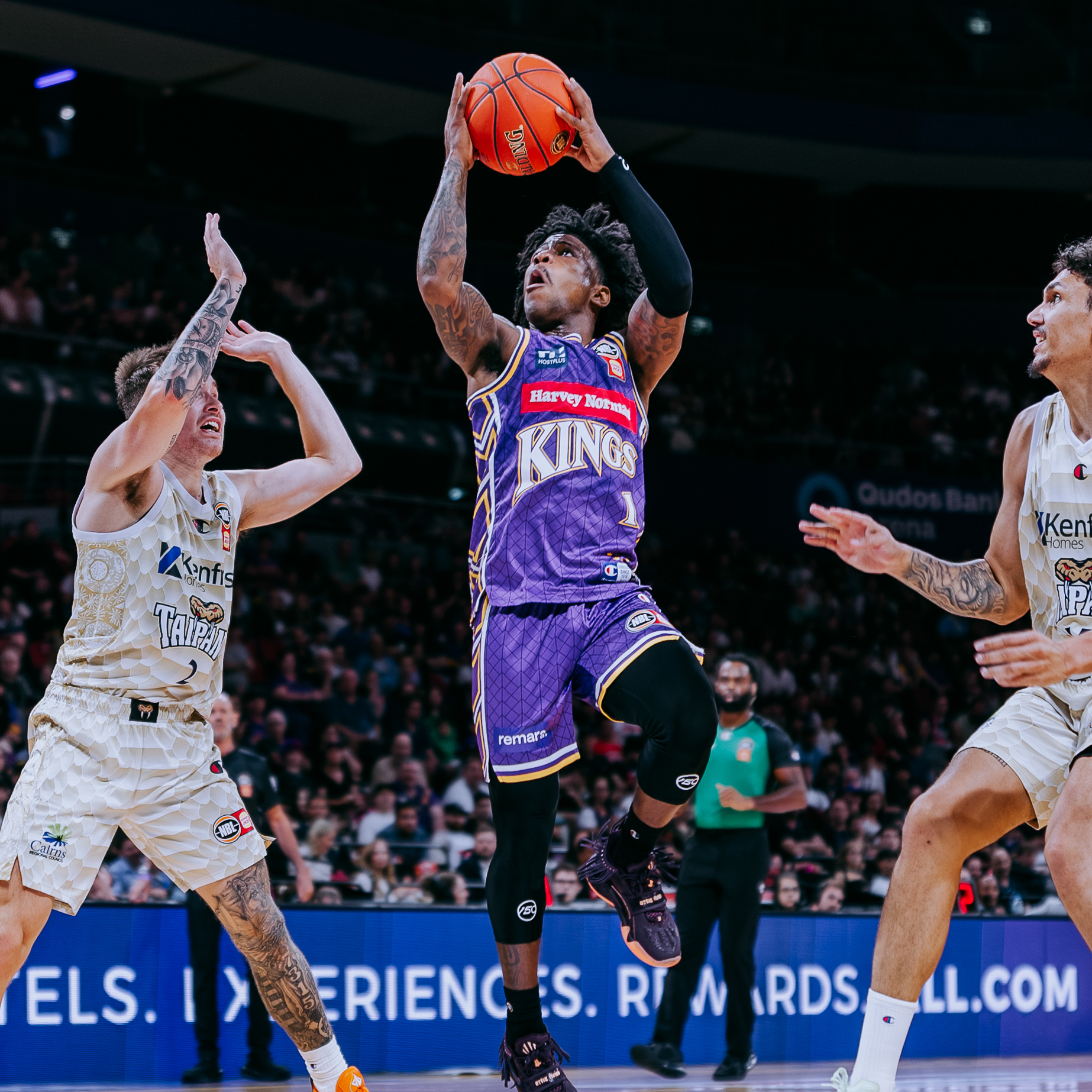
13 Oct
ROUND 5 PREVIEW – KINGS VS BREAKERS
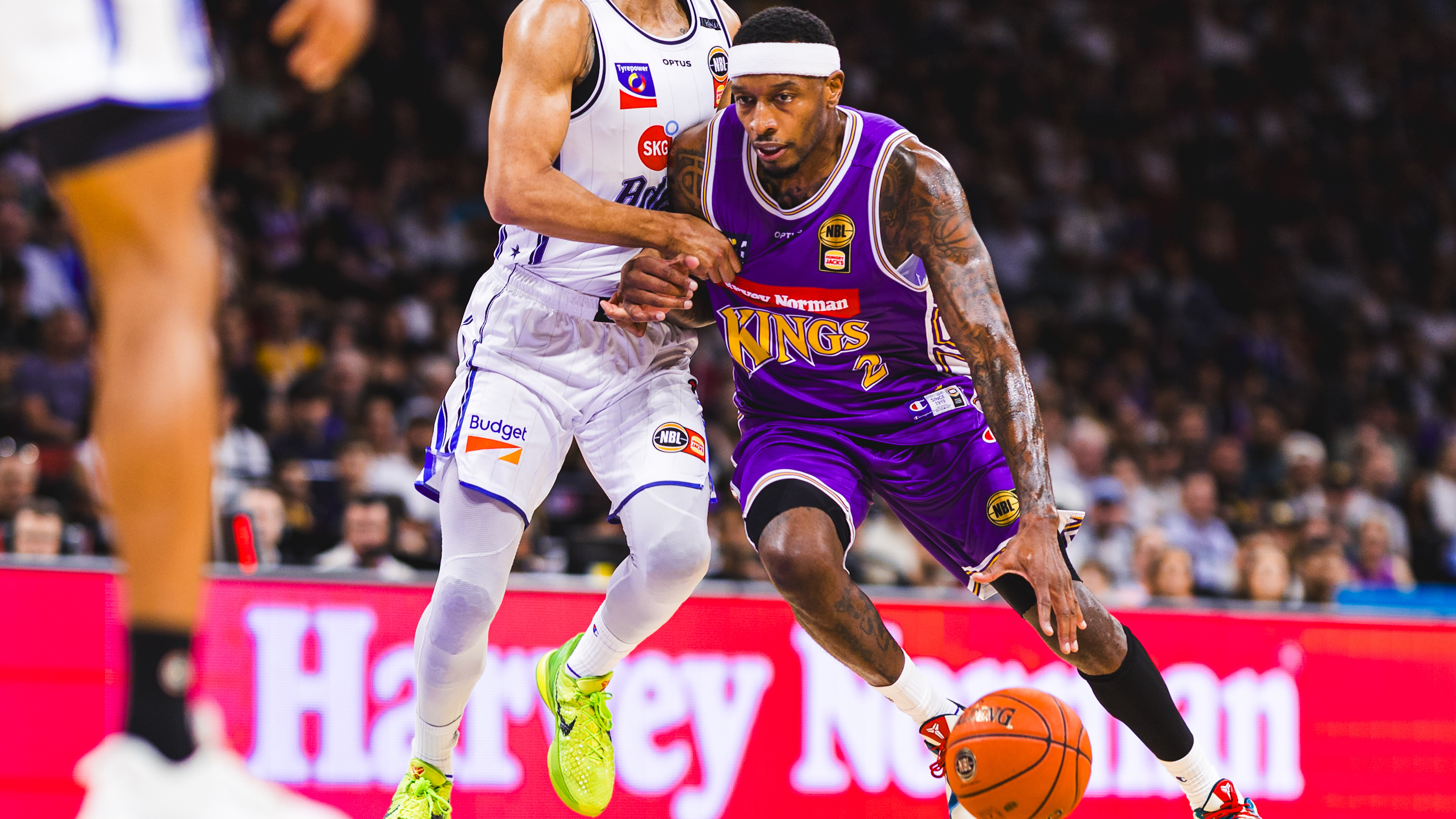
12 Oct
GAME REPORT: Sydney fall to Adelaide in Brian Goorjian’s 300th for the Kings

8 Oct
Kings of the jungle: Matthew Dellavedova Gets First Look at NBL Trading Cards ahead of Championship Series Rematch on Sunday
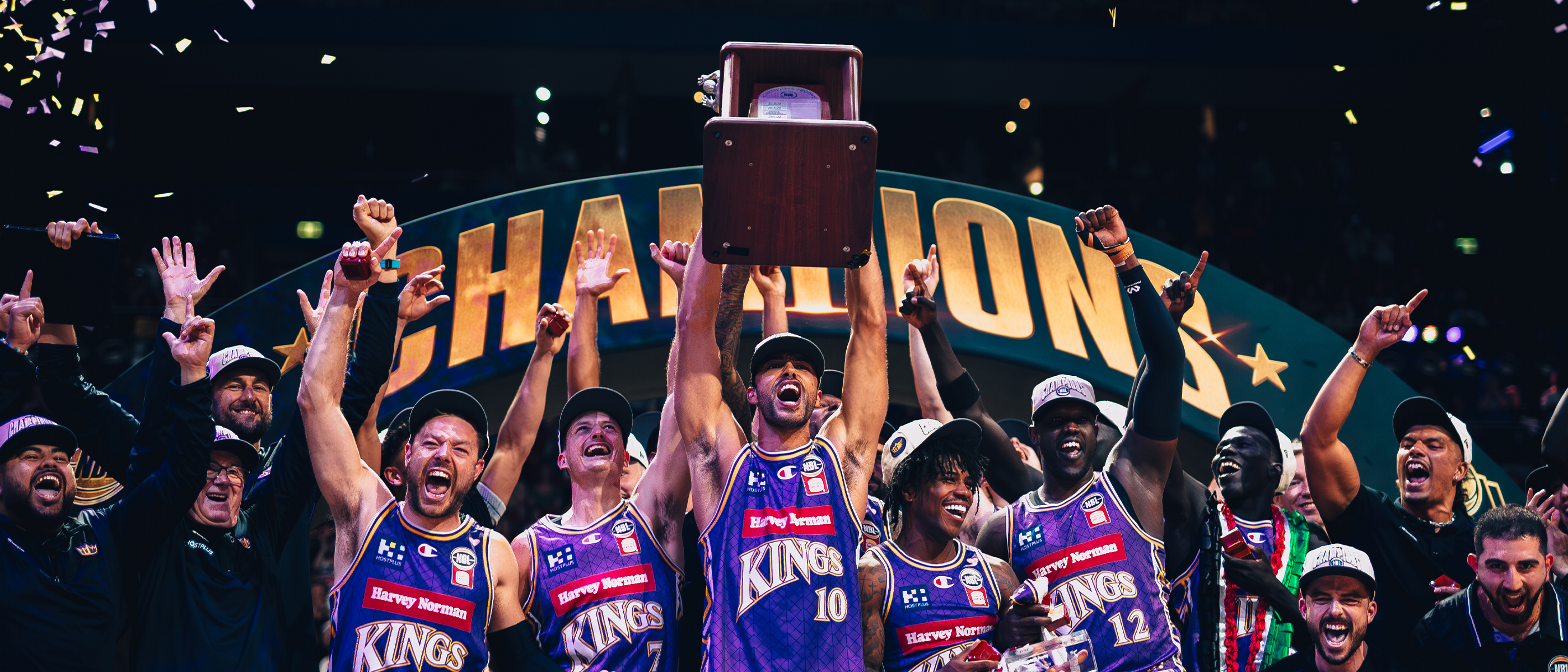
8 Oct
ROUND 4 PREVIEW – KINGS VS 36ERS
7 Oct
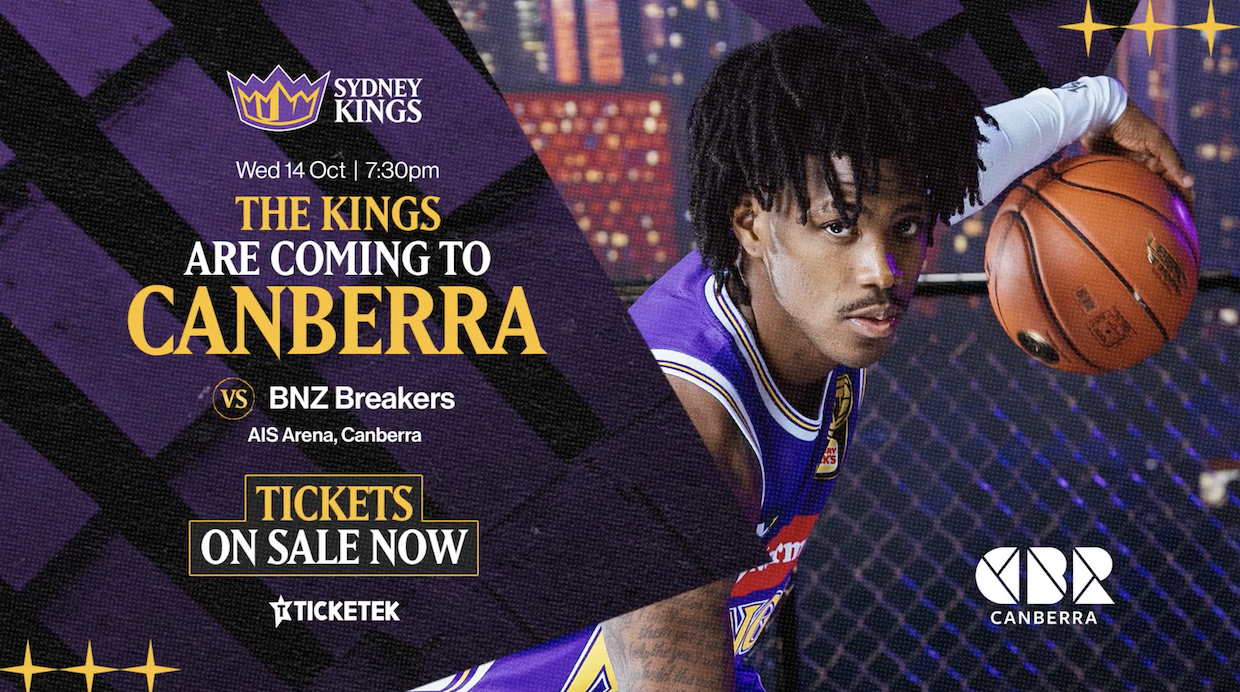
5 Reasons Kings Fans Should Make Canberra a Mid-Week Getaway
2 Oct
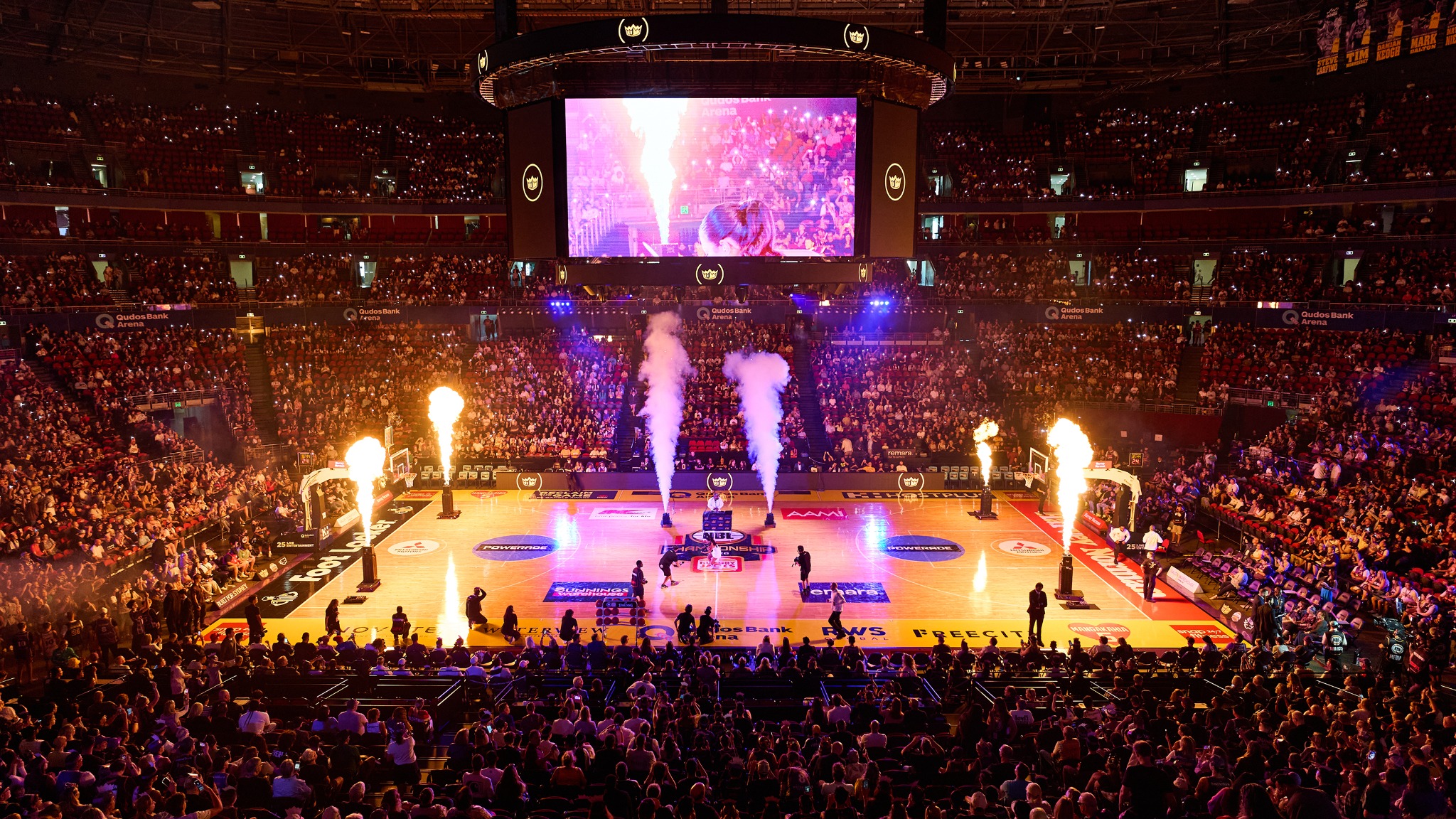
CHAMPIONSHIP SERIES REMATCH SELLING FAST: KINGS vs 36ERS
Adelaide 36ers
Sydney Kings
1 Oct
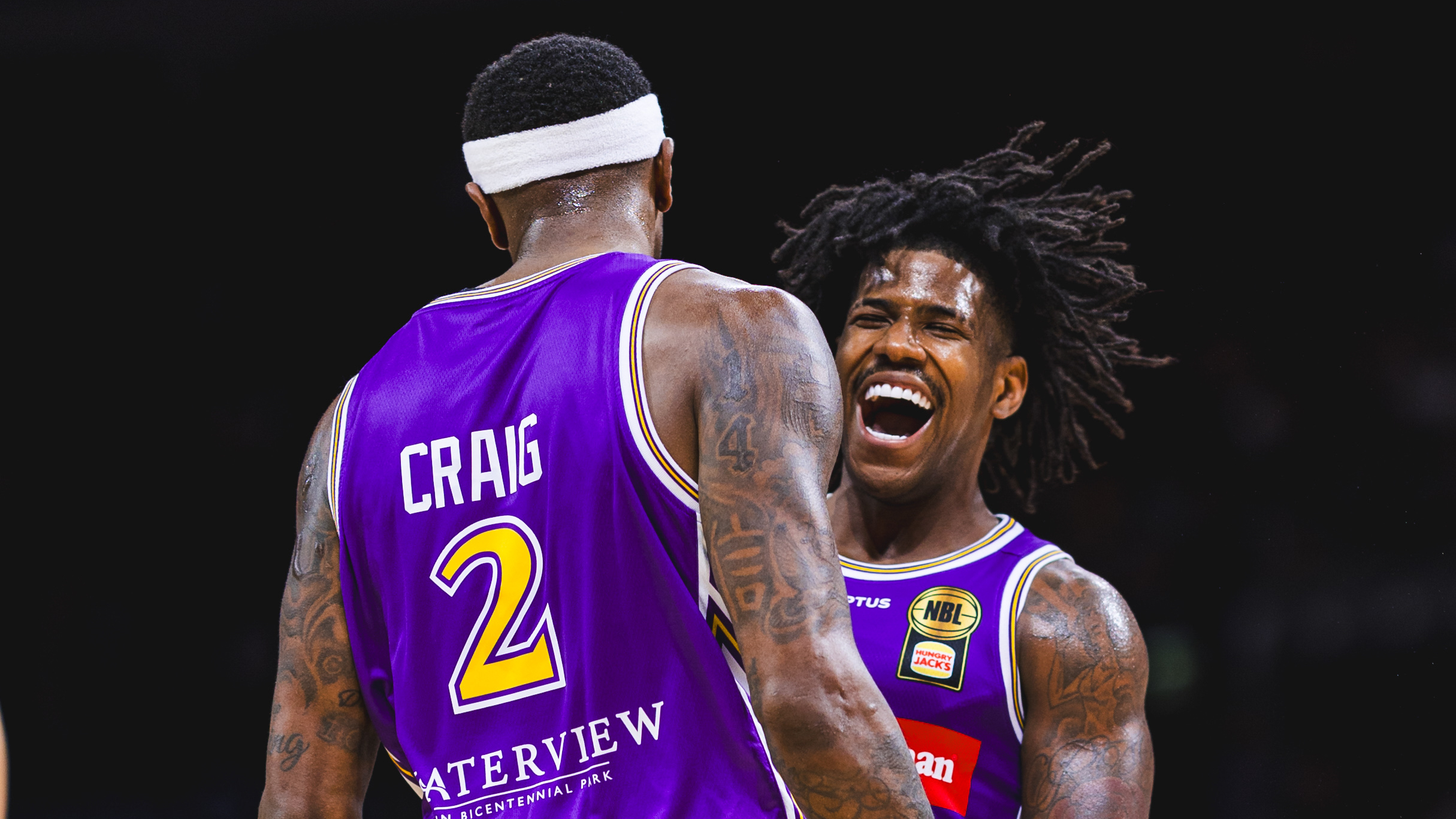
GAME REPORT: Kings too strong for Bullets in Game One of Ignite Cup
.png)
29 Sep
ROUND 3 PREVIEW – KINGS VS BULLETS
27 Sep
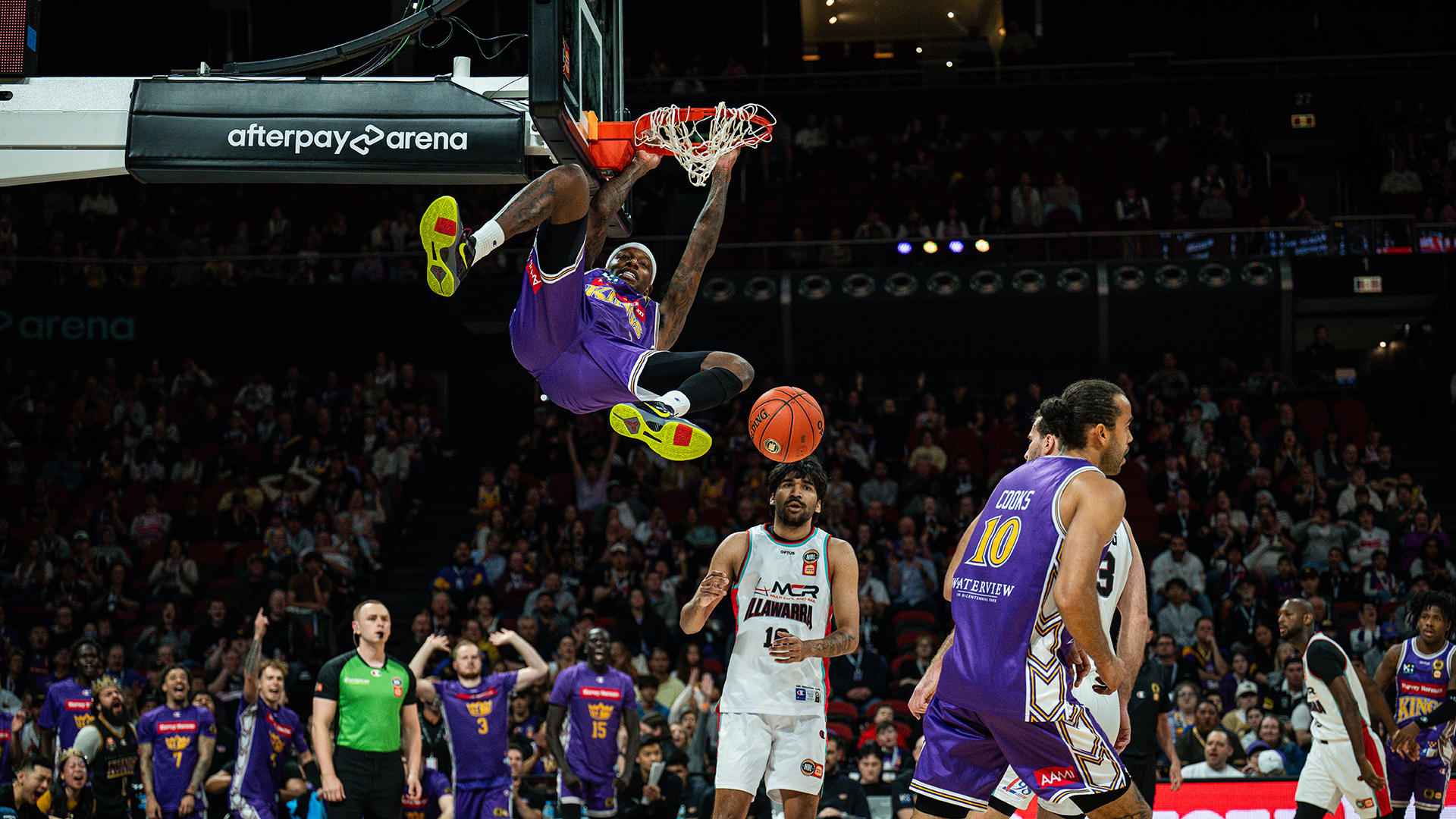
Kings destroy Hawks for Goorj’s 600th NBL win
.png)
25 Sep
ROUND 2 PREVIEW – KINGS VS HAWKS
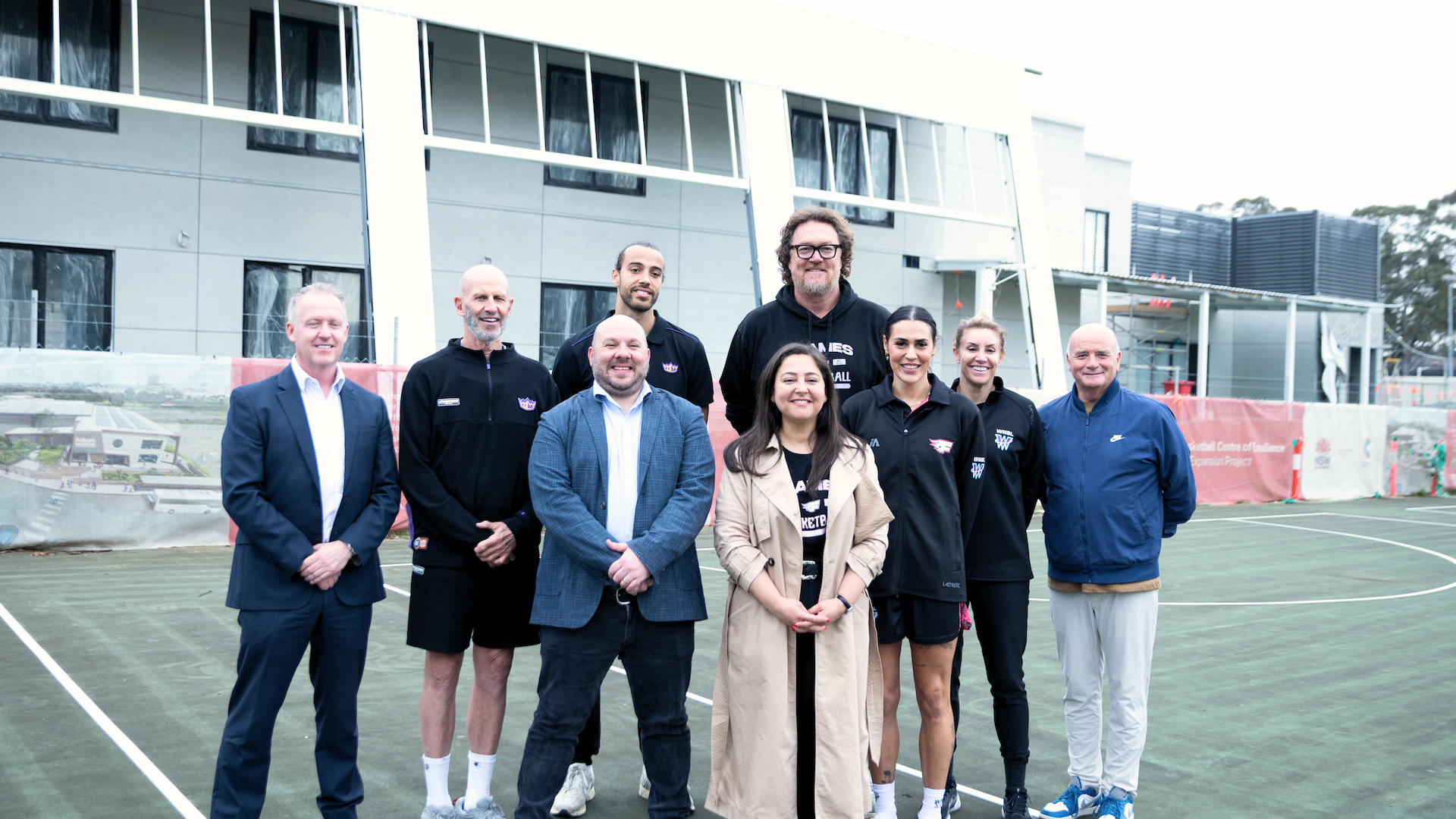
24 Sep
One year on: Sydney’s new home for high-performance basketball nears completion
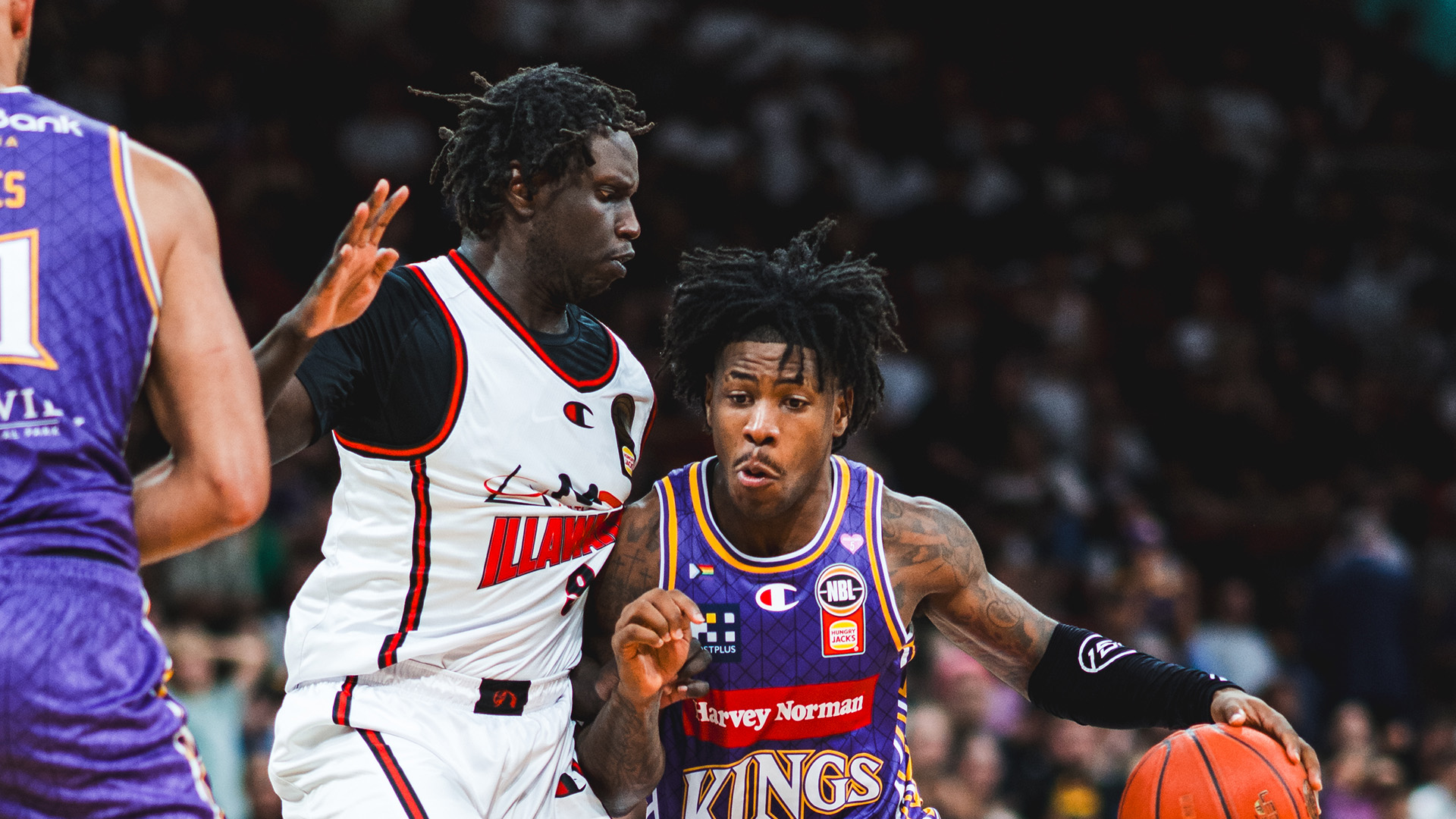
22 Sep
The Freeway Series begins again on Sunday
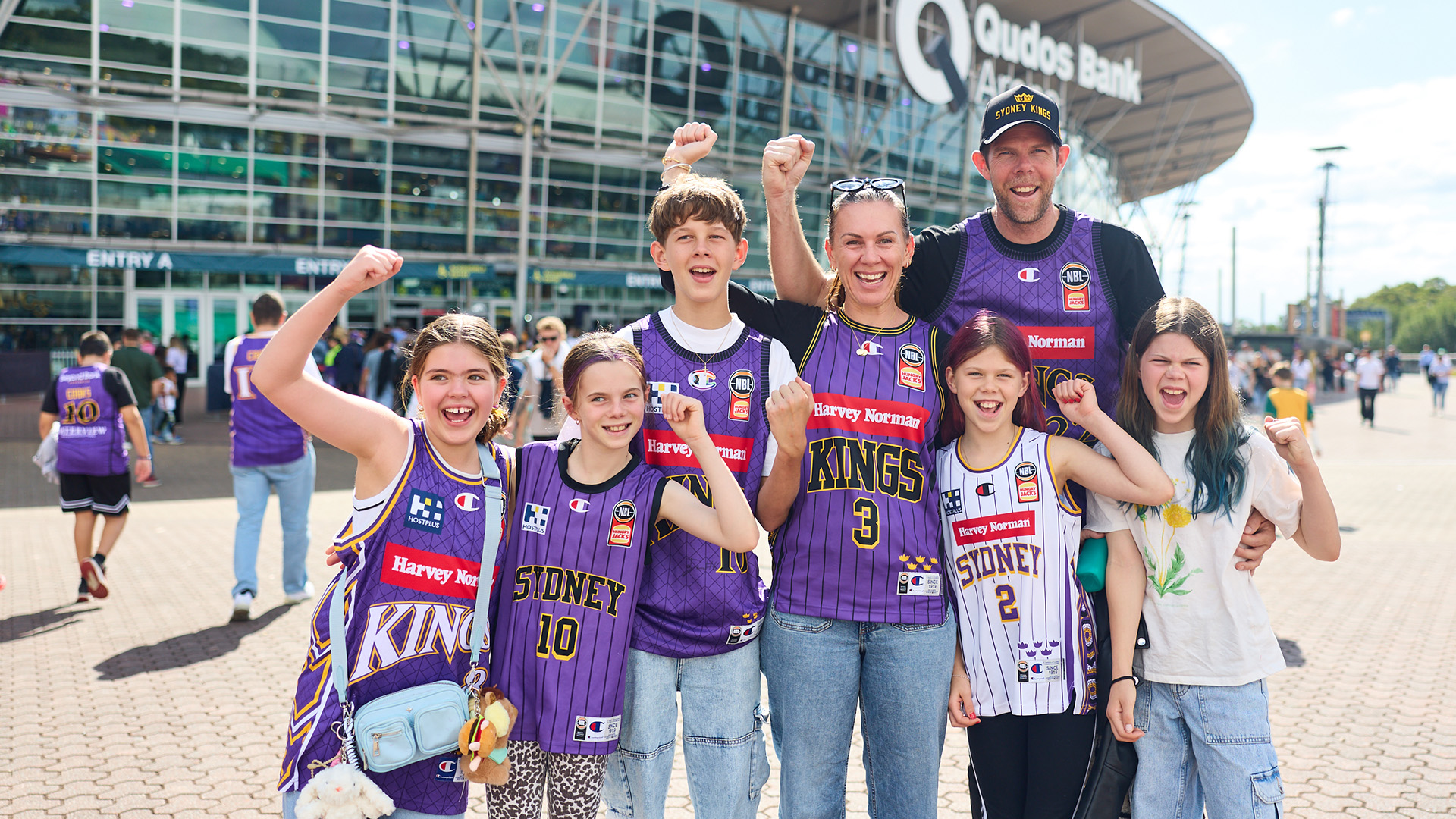
21 Sep
Kids go free these school holidays
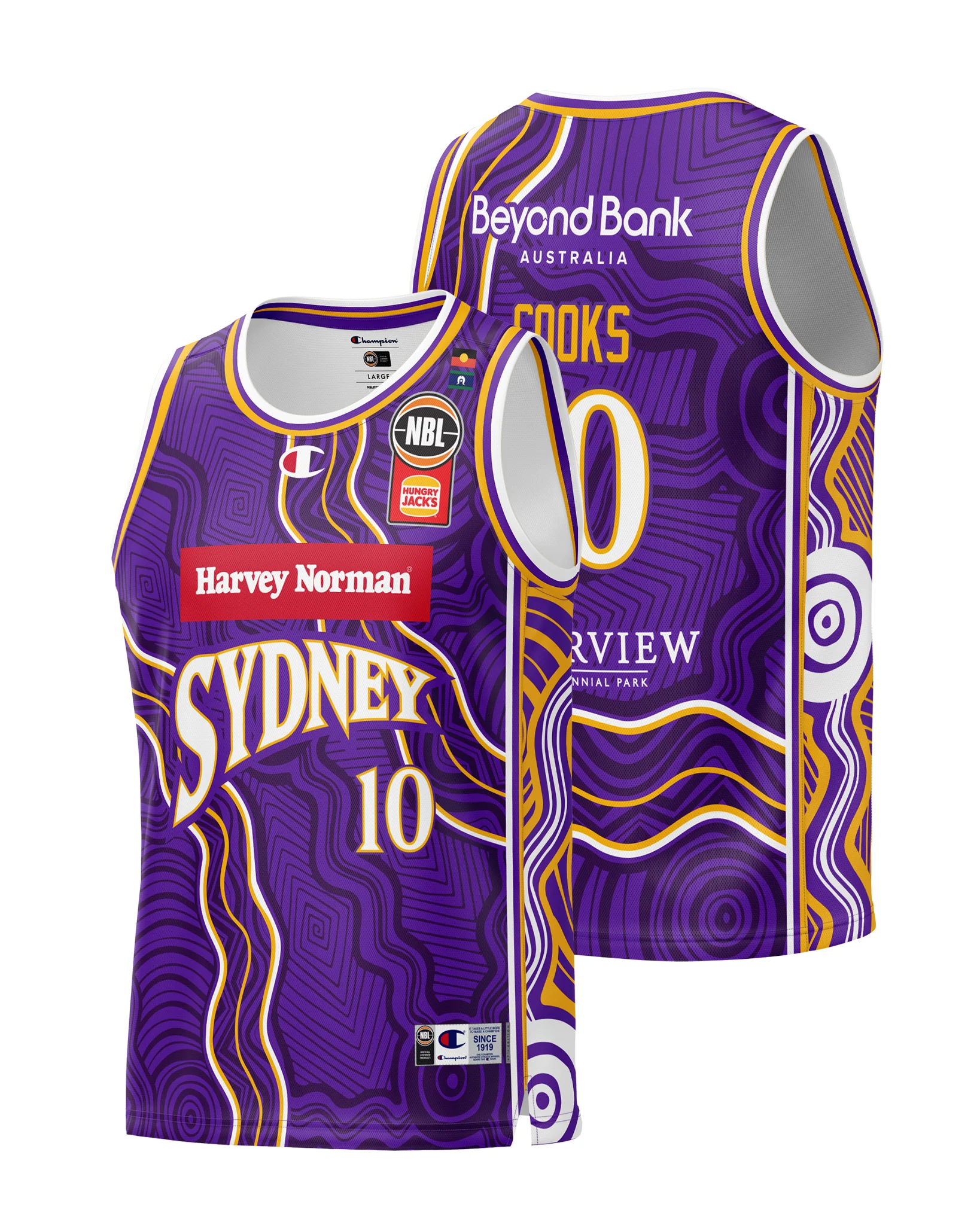
Support your team with the latest gear
Grab your latest team releases before they're gone.
Follow for behind the scenes content


Get the latest Team Updates
Breaking news & special offers. Direct to your inbox.
2026/27 Memberships Now Available
NBL Properties


Subscribe to our Newsletter


The National Basketball League acknowledges the Traditional Custodians of the lands on which we work, live & play. We pay our respects to their Elders past, present & emerging as well as all Aboriginal and Torres Strait Island Community. © year National Basketball League |Terms & Conditions | Privacy Policy